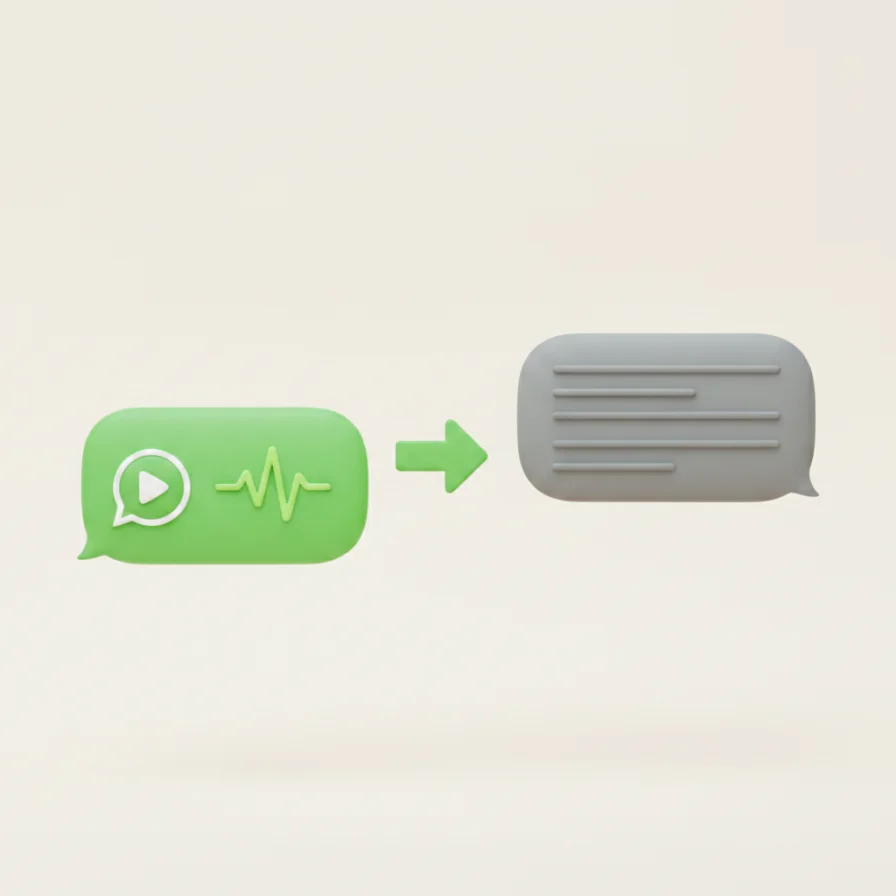
Pesan suara sering datang di saat yang tidak tepat — sedang rapat, di kereta, atau tanpa earphone. WA Web Plus mengubah pesan suara yang Anda terima menjadi teks, ditampilkan tepat di bawah pesan tersebut, sehingga Anda bisa membacanya sekilas.
Cara menggunakannya
- 1
Pasang WA Web Plus dan buka WhatsApp Web.
- 2
Aktifkan Voice to Text di pengaturan ekstensi.
- 3
Klik tombol transkrip pada pesan suara mana pun — teksnya muncul di bawahnya.
Perlu diketahui: Transkrip hanya ditampilkan untuk Anda. Pengirim tidak pernah tahu.
Gratis dan Pro
Voice to Text tersedia untuk dicoba secara gratis. Fitur privasi inti — blur, kunci layar, sembunyikan status online — selalu gratis.
Coba WA Web Plus — gratis.