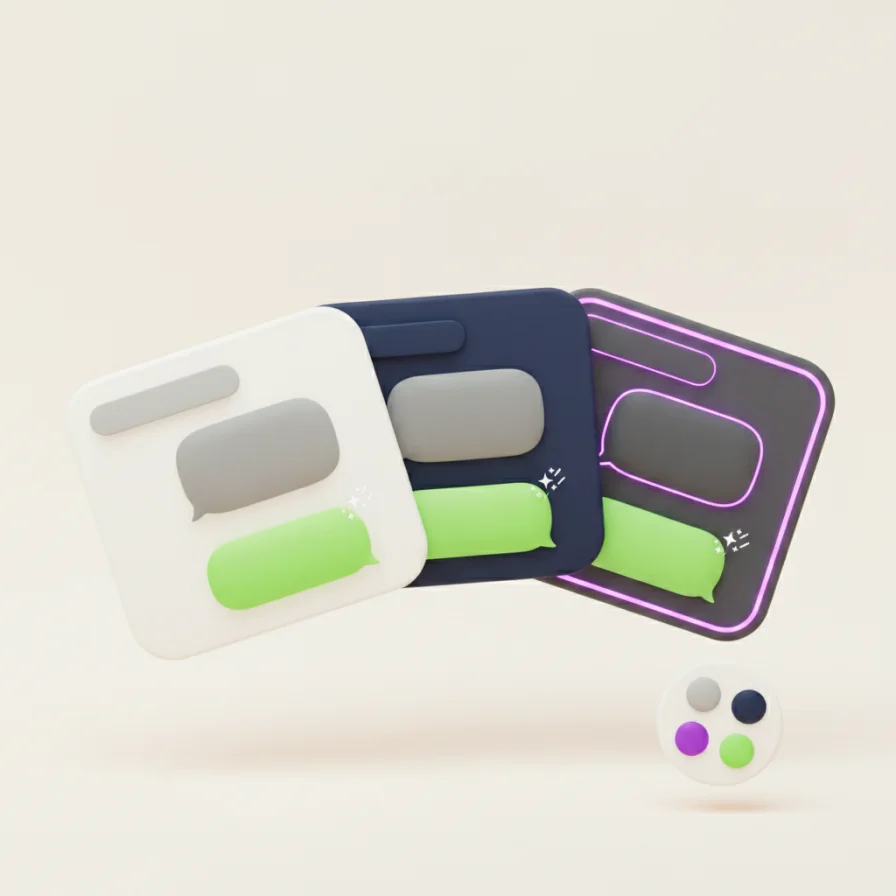
WhatsApp Web tampil sama untuk semua orang. WA Web Plus mengubahnya: pilih warna aksen, ganti font dan ukuran teks agar lebih nyaman dibaca, dan pasang wallpaper untuk latar chat Anda.
Ubah dalam 10 detik
- 1
Pasang WA Web Plus dan buka WhatsApp Web.
- 2
Buka pengaturan Tampilan.
- 3
Pilih warna, font, ukuran teks, dan wallpaper — perubahannya langsung terlihat.
Perlu diketahui: Semua pengaturan tampilan hanya berlaku di peramban Anda. Lawan bicara tetap melihat WhatsApp seperti biasa.
Gratis dan Pro
Wallpaper dan pengaturan font tersedia gratis. Tema premium termasuk dalam Pro.
Personalisasi WhatsApp Anda — gratis.