You stare at WhatsApp Web all day — it might as well look good. WA Web Plus lets you swap the green accent for any color, change the chat font and size, set a wallpaper from the gallery or upload your own, and flip dark mode without touching your phone.
Beyond colors: full theme packs
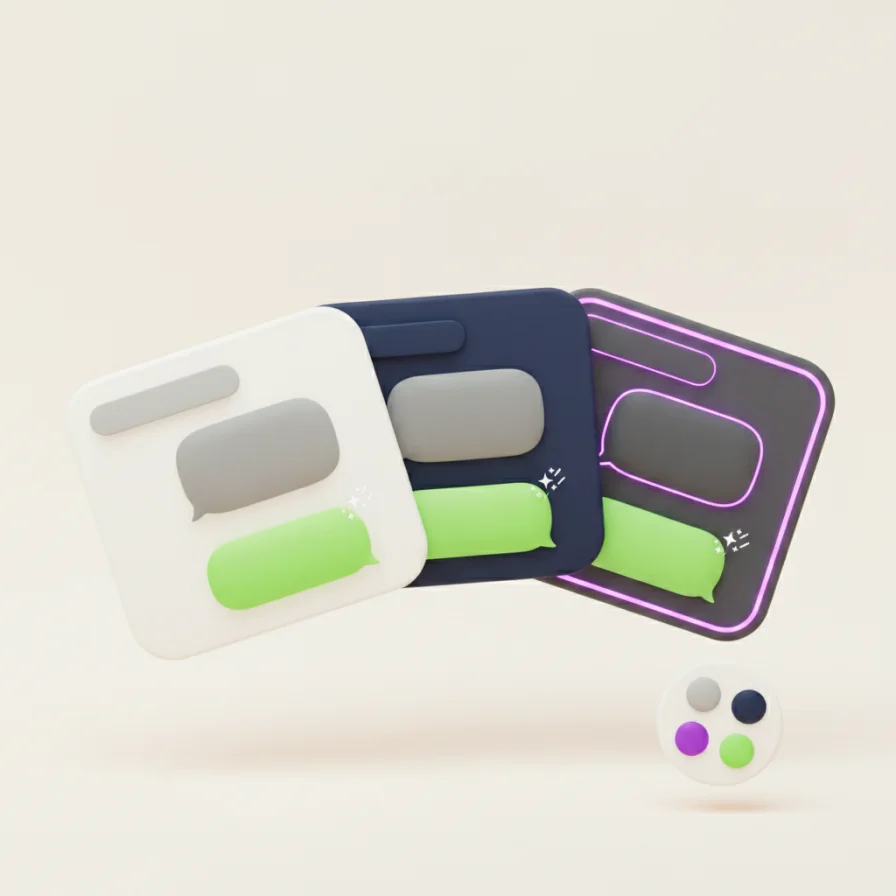
Theme packs restyle the whole interface in one click — Frosted Glass with real blur, Aurora Mist, Cyberpunk neon and more, each with a matching wallpaper. Preview any theme before applying it.
Restyle WhatsApp Web in three steps
- 1
Install WA Web Plus and open WhatsApp Web.
- 2
Open Appearance in the extension settings.
- 3
Pick a theme color, font and wallpaper — changes apply instantly.
Good to know: You can also drag the sidebar wider or narrower — handy on big screens.
What's free, what's Pro
Theme colors, chat fonts, wallpapers and dark mode are free. The premium theme packs are part of Pro. Everything is display-only and applies just to your browser — the person you chat with sees nothing different.
Give WhatsApp Web a new look — free to start.